
How can AI help small businesses? In short, AI saves the most time on work that repeats every week, follows a pattern and doesn’t need your judgement each time: quotes, invoices, inbox sorting, common customer questions and first drafts of marketing. It helps least with decisions, relationships and anything where a mistake is expensive.
This guide covers fifteen practical ways to use AI in a UK small business, the tools that do each job, what it costs, what to keep a person checking, and how to start without risking customer data. It’s written from the work we do every week building AI automations for small businesses, not from a press release.
Key takeaways
- Nearly half of UK small businesses now use AI, but most only use it for a handful of routine jobs.
- The quickest wins are admin: quotes, invoices, inbox sorting, summaries and payment chasers.
- Start with one repeated, low-risk task, measure the time it takes now, and check every output for a few weeks.
- Use business accounts with clear data terms, and keep a person on anything involving money, safety or decisions about people.
Where UK small businesses are with AI in 2026
AI use among small firms has moved fast. According to the Simply Business 2026 SME Insights Report, 47% of UK small businesses now use AI tools, up from 22% a year earlier. Another 13% plan to start within the next year.
Confidence hasn’t kept up. Only 19% of owners describe themselves as very confident using AI day to day, and a third use it only for routine admin. That gap is where most of the value is: the businesses getting real time back are the ones that have connected AI to the jobs that actually fill their week.
And those jobs are mostly admin. The American Express SME Business Barometer, published in July 2026, found owners spend around 11 hours a week on administrative and finance tasks, roughly six working days a month, compared with about 3.6 days a month on sales and growing the business.
Around 21% of owners using AI say it’s like having another member of staff.
American Express SME Business Barometer, 2026
| What UK AI users do with it | Share of users |
|---|---|
| Creating content | 63% |
| Problem solving | 53% |
| Generating ideas | 50% |
| Saving time on admin | 46% |
Source: Simply Business 2026 SME Insights Report, 1,842 UK small business owners surveyed in July and August 2026.
Admin jobs to hand to AI this week
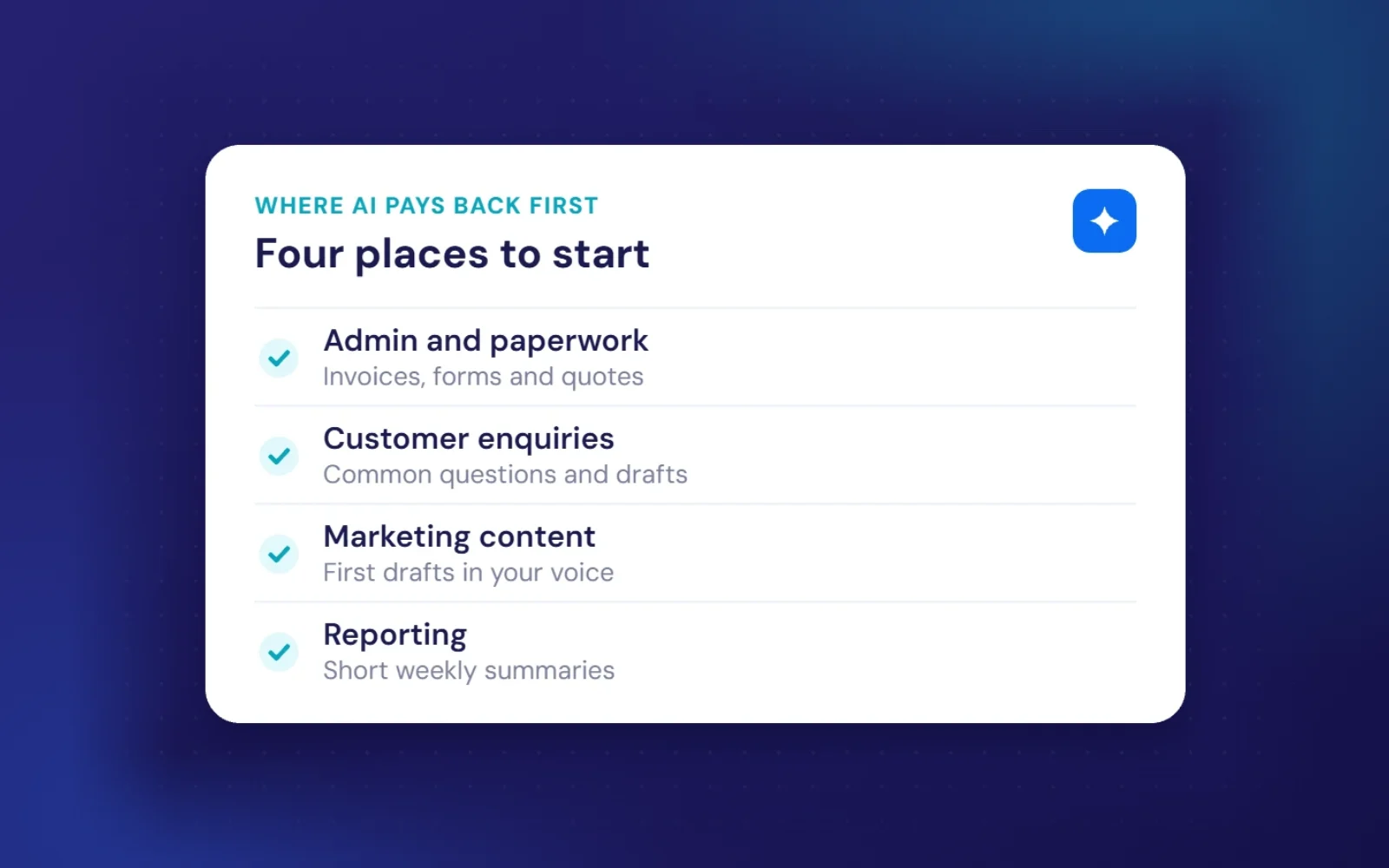
Admin is where AI for small business pays back first, because the tasks are frequent, predictable and easy to check. These six are the ones we automate most often.
1. Drafting quotes from your notes
Type or dictate rough notes after a site visit or call, and an AI assistant turns them into a tidy quote using your price list and standard wording. You check the numbers and send it. For trades and service businesses that quote every day, this alone can save several hours a week.
2. Getting invoices and receipts into your accounts
Xero, QuickBooks and FreeAgent can all read supplier invoices and receipts automatically. Where they fall short, an automation can pull the details out of emailed PDFs and file them for you to approve, so nobody retypes figures at the end of the month.
3. Sorting your inbox
An automation can label incoming email as new enquiries, supplier messages, invoices or newsletters, flag anything urgent and file the rest. You open the inbox to a sorted list instead of a wall of messages, and enquiries stop getting buried.
4. Summarising long documents
Contracts, tender documents, policies and long email threads can be summarised in seconds, with key dates, prices and obligations pulled out. Always read the original before you sign anything, but the summary tells you where to look.
5. Writing up meetings and calls
Meeting tools can turn a recorded call into notes and action points, and log them against the customer’s record. Tell people the call is being recorded and transcribed, and only record where you have a good reason to.
6. Chasing unpaid invoices
Late payment is a cash-flow problem for most small firms, and chasing it is a job nobody enjoys. An automation can send polite, escalating reminders on a schedule, stop as soon as the invoice is paid, and hand over to you if it gets awkward.
Want these set up for you? We build admin automations on accounts you own, at a fixed price from £750 each. Book a free call and we’ll pick the one that saves you the most time.
Using AI with customers and enquiries
7. Answering common questions
Most businesses get the same questions over and over: prices, availability, areas covered, opening hours, parking. An assistant on your website or in your inbox can answer them from information you approve, and pass anything unusual to a person.
8. Drafting replies for you to approve
For enquiries that need a personal touch, AI can draft a reply in your tone for you to edit and send. You stay in control, but you stop starting every email from a blank screen, and replies go out faster, which often decides who wins the job.
9. Following up on quotes and bookings
Plenty of work is lost simply because nobody followed up. An automation can send a friendly reminder a few days after a quote, confirm bookings, send directions the day before and ask for a review afterwards.
10. Replying to reviews
Replying to every Google review helps your local ranking and shows customers you care. AI can draft a reply to each one that you tweak before posting. Write replies to negative reviews yourself.
AI for marketing
11. First drafts of posts and newsletters
Give an assistant a recent job, a few photos described in a sentence, or an offer, and it drafts a social post or newsletter. Treat it as a first draft and add your own voice, otherwise everything starts to sound the same as everyone else’s.
12. Product and service descriptions
Online shops and businesses with lots of services can use AI to write consistent descriptions from a few bullet points. Check every claim it makes, because AI will happily invent features you don’t offer.
13. Turning one piece of content into five
A single case study can become a LinkedIn post, a Facebook update, an email to past customers and a short FAQ answer. AI is good at reshaping content you’ve already written, which is safer than asking it to invent new material.
Money and planning
14. Weekly summaries of your numbers
Instead of digging through spreadsheets, an automation can send you a short weekly email covering sales, enquiries, unpaid invoices and anything unusual. You spot problems sooner without losing Sunday to reports.
15. A sounding board for decisions
An AI assistant is a useful second opinion on pricing ideas, a tricky email or a plan for a new service. It won’t know your market better than you, but asking it to argue the other side often surfaces something you missed.
Which AI tools do small businesses use?
You don’t need to understand how AI works to use it, but it helps to know the four main types of AI tools for small business:
| Type | Examples | Best for |
|---|---|---|
| AI assistants | ChatGPT, Claude, Gemini | Writing, summarising, answering questions |
| AI inside tools you already pay for | Microsoft Copilot, Gemini in Google Workspace, AI in your CRM or accounts software | The cheapest place to start |
| Automation platforms | Zapier, Make | Passing information between your apps, with AI steps in the middle |
| Custom builds | AI connected directly to your systems | Jobs off-the-shelf tools can’t handle |
Business plans for AI assistants typically cost around £20 to £30 per person a month. Custom automations are a one-off build cost plus small usage fees. Our page on AI automation for small businesses covers use cases by business type and how to work out the return.
What to keep a human on
AI can be confidently wrong. Keep a person checking anything that:
- goes to a customer and could cause harm if it’s wrong
- involves money, such as prices, refunds or payments
- makes a decision about a person, like a job applicant or a tenant
- covers safety, health, allergy or legal information
Under UK GDPR you remain responsible for any personal data you put into AI tools. Use business accounts whose terms say your data isn’t used to train models, and only send what the task needs. We cover this properly in our guide to whether it’s safe to use AI with customer data, and the ICO’s guidance on AI and data protection is the official reference.
How to start using AI in your business
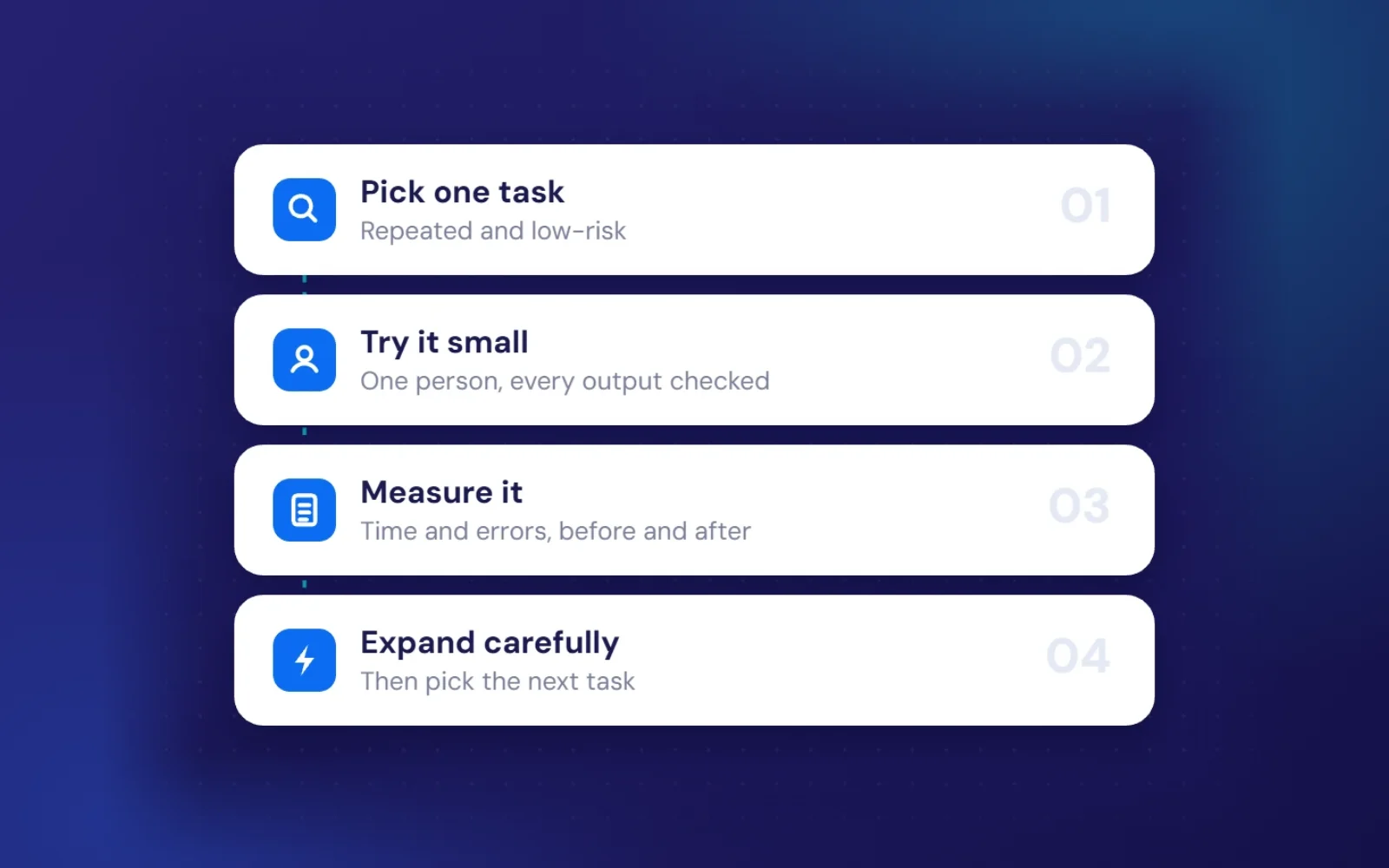
- Pick one task. Write down the three jobs that take the most time each week, then choose the one that’s most repetitive and least risky.
- Measure it now. Note roughly how long it takes each week. Without a before figure, you can’t tell if AI is helping.
- Try it small. Use an AI assistant or the AI features in software you already pay for, with one person, for two to four weeks, checking every output.
- Measure again and decide. If it’s clearly faster and accurate, roll it out with a short written guide. If not, stop or pick a different task.
A quick way to judge any AI tool: monthly return = hours saved × the cost of that time − the monthly running cost. If an automation saves 13 hours a month of £20-an-hour admin time, that’s £260 of time against perhaps £30 in running costs. Use your own numbers, and if the maths only works with optimistic guesses, choose a different task.
If you’d rather have someone find the right first task with you, see how to choose an AI consultant, or look at The Smart Builder, an AI platform we built for builders and quantity surveyors.
Frequently asked questions
Is AI expensive for a small business?
Not necessarily. Business plans for AI assistants cost roughly £20 to £30 per person a month, and many tools you already pay for now include AI features. Custom automations cost more upfront but can pay for themselves within months if they save real time.
Do I need to be technical to use AI?
No. AI assistants work by typing or speaking in plain English. Connecting tools together takes more setup, which is where a consultant can help.
What is the easiest way to start using AI in a small business?
Use an AI assistant to draft emails, quotes or social posts for a couple of weeks. It’s low-risk, needs no setup, and quickly shows you where AI saves time in your own work.
Free first call
Will AI replace my staff?
In a small business, AI usually takes over the repetitive parts of a role rather than the role itself. The aim is to free people for work that needs judgement and a personal touch.
Ready to get some hours back? Tell us what eats your week and we’ll show you what we’d automate first, with a fixed price for each.
Book a free callNo obligation. A reply within one working day.