
Getting website visits but no enquiries is one of the most common problems we’re asked to fix. The traffic is there in your analytics, but the phone stays quiet and the contact form sits empty. The good news is that the cause is almost always one of a handful of fixable things, and most of them don’t need a new website.
This guide walks through why a website isn’t getting enquiries, how to check whether your traffic is the right traffic, and twelve fixes in the order we’d tackle them. Most can be done in an afternoon.
Key takeaways
- First check the traffic is real and local. Visits from the wrong place or the wrong searches will never convert.
- The biggest wins are usually a clearer first screen, a faster mobile site and an obvious way to get in touch.
- Proof sells: recent reviews, real photos and examples of your work near every call to action.
- Test your contact form today. Broken forms and enquiries going to spam are more common than you’d think.
Step one: check it’s the right traffic
Before changing anything, find out who is actually visiting. Open Google Search Console and look at the Performance report. It shows which searches bring people to your site.
- Are the searches relevant? If most visits come from searches like “what is a fuse box”, you’re attracting researchers, not buyers.
- Are visitors local? In Google Analytics, check where visitors are. A plumber in Newcastle gains nothing from visits in Texas.
- Is it bots? Sudden spikes from one country, with near-zero time on site, are usually automated traffic.
If the traffic is wrong, the fix is your page titles, content and local SEO, not the design. Our guide to local SEO explains how to attract searches from people nearby who are ready to buy.
Why your website isn’t getting enquiries: 12 fixes
1. The first screen doesn’t say what you do and where
Visitors decide in seconds whether they’re in the right place. The first screen should say what you do, who it’s for and where, in plain words, with a clear button. “Emergency plumber in Newcastle, usually with you within two hours” beats “Quality solutions you can trust” every time.
2. Your site is slow on a phone
Most local searches happen on mobile, often on patchy signal. Speed has a measurable effect on enquiries: in a Deloitte study published by Google, a 0.1 second improvement in mobile site speed led to 21.6% more users reaching the form submission page on lead generation sites. Check your site with PageSpeed Insights and fix large images and heavy sliders first.
3. There’s no obvious way to get in touch
Put your phone number and a contact button in the header on every page, make the number tap-to-call on mobile, and repeat a clear call to action after each main section. Don’t make people hunt for the contact page.
4. Your contact form asks too much
Every extra field loses people. For a first enquiry, name, email or phone, and a short message is usually enough. Ask for budgets, addresses and project details later, on the call.
5. Your form is broken or sends enquiries to spam
This is more common than anyone likes to admit. Fill in your own form today and check the email arrives, isn’t in spam and comes from a sensible address. Then test it again after every plugin update.
Not sure where your site is losing people? We’ll go through it with you on a free call and tell you the three fixes that would make the biggest difference. Book a free call.
6. There’s no proof you’re good at what you do
Customers want reassurance before they get in touch. According to BrightLocal’s Local Consumer Review Survey 2026, 85% of consumers are more likely to use a business after reading positive reviews, 74% look for reviews from the last three months, and 31% will only consider businesses rated 4.5 stars or higher. The survey is of US consumers, but the pattern matches what we see with UK clients.
| What customers look for | Share of consumers |
|---|---|
| More likely to use a business after positive reviews | 85% |
| Look for reviews from the past three months | 74% |
| More inclined to use a business that replies to every review | 80% |
| Only consider businesses rated 4.5 stars or more | 31% |
Show recent Google reviews near your calls to action, add real photos of your work and team, and link to case studies. Stock photos of smiling strangers do the opposite.
7. You don’t mention prices
People who can’t find any idea of cost often leave to find someone who shows one. You don’t need a full price list. “Most projects cost between £X and £Y” or “From £Z” filters out poor fits and gives serious buyers the confidence to get in touch.
8. Your location isn’t clear
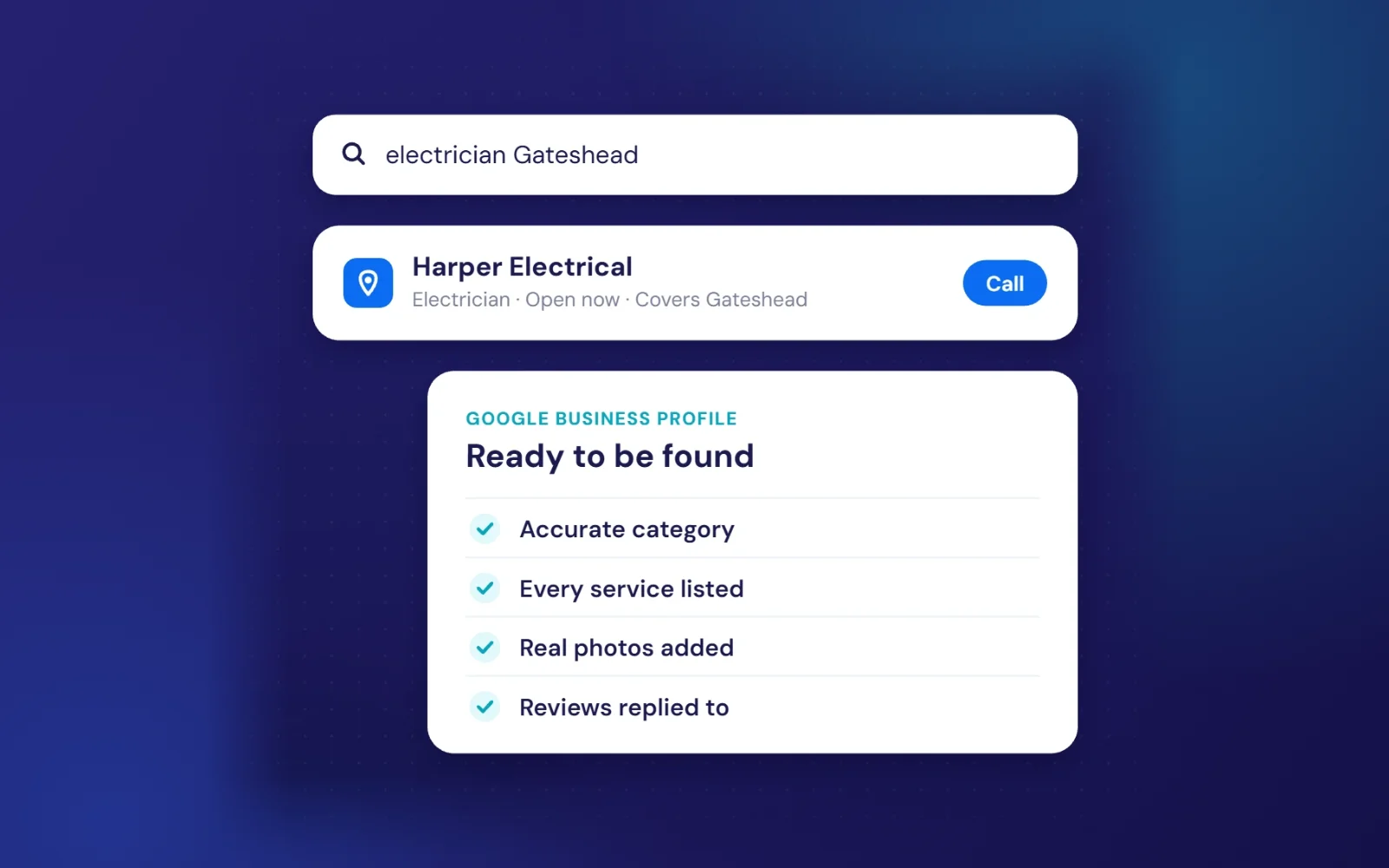
Name the towns and areas you cover, show your service area, and link your Google Business Profile. If customers can’t tell whether you work near them, they’ll pick someone who says so. Our page on website design in the North East shows how location wording can be written naturally.
9. The site looks out of date
Old copyright years, events from two years ago and broken links all suggest a business that might not be trading. Remove anything dated, check every page works, and keep news or offers current.
10. It doesn’t feel trustworthy
Make sure your site has a padlock (HTTPS), a privacy policy, your business name and registered details, and a real address or service area. These quietly reassure people that you’re legitimate, and some are legal requirements.
11. People who use assistive technology can’t use it
Low-contrast text, buttons without labels and forms that don’t work with a keyboard shut out a real share of customers. The Web Content Accessibility Guidelines set out the standard, and fixing the basics usually improves the site for everyone.
12. There’s only one way to get in touch
Some people want to call, others prefer a form, WhatsApp or online booking. Offering two or three options captures people who would otherwise leave. For businesses that take appointments, online booking often makes the biggest single difference.
A 30-minute website enquiry audit
Set a timer and work through this list on your phone, not your computer:
- Open your homepage. Can a stranger tell what you do and where within five seconds?
- Count how many taps it takes to get in touch. More than two is too many.
- Submit your own contact form and check the email arrives.
- Run your homepage through PageSpeed Insights on mobile.
- Find your three most recent reviews. Are they on your site?
- Check your page title in Google. Does it include your service and town?
- Look for anything dated: old offers, events, years or broken links.
Write down every problem you find, then fix them in that order. The first three items alone solve most enquiry problems we see.
How to measure website enquiries properly
You can’t improve what you don’t measure. Set up form submissions and phone number clicks as key events in Google Analytics, so you can see which pages and which searches lead to enquiries. Then compare month by month after each change, rather than judging on a single week.
Also ask every new customer how they found you. It’s simple, free and often reveals that a page you’d ignored brings in your best work.
When it’s time for a new website
If your site is slow no matter what you fix, hard to update or built on a platform that limits you, a rebuild can be cheaper than patching it. Our guide to website design for small businesses covers what a good site needs, our website cost guide breaks down prices, and every site we build includes the SEO basics as standard. If your site is fine but nobody looks after it, our hosting and care plan keeps it fast and up to date.
Frequently asked questions
Why does my website get traffic but no enquiries?
Usually because the traffic isn’t the right audience, the first screen doesn’t make it clear what you offer and where, the site is slow on mobile, or there’s no obvious way to get in touch. Check your search traffic first, then work through the fixes above.
What is a good conversion rate for a small business website?
It varies widely by industry and traffic source, so compare yourself with your own past results rather than a general average. If the share of visitors who enquire goes up month on month, you’re heading the right way.
How quickly will these fixes work?
Fixes like a clearer headline, a working form and tap-to-call can change enquiries within days. SEO changes that bring better traffic usually take a few weeks to a few months.
Free first call
Do I need a new website to get more enquiries?
Not always. Many sites improve a lot with clearer copy, faster pages and better calls to action. A rebuild makes sense when the site is slow, hard to update or limiting your business.
Want a second pair of eyes on your site? We’ll look at it with you, for free, and tell you honestly what we’d change first.
Book a free callNo obligation. A reply within one working day.